Automated Scheduling
Generate optimal class schedules that balance rooms, faculty, and institutional requirements.
 EasySched
Smart scheduling · Better learning · Brighter future
Simplify scheduling, eliminate conflicts, and make every classroom hour count.
Features
Powerful features designed to make class scheduling easier, faster, and more efficient.
Generate optimal class schedules that balance rooms, faculty, and institutional requirements.
Automatically detect and resolve scheduling conflicts and instructor overlaps.
Balance teaching loads fairly and efficiently across all instructors.
View detailed reports and analytics for better decision-making and planning.
How it works
Access the system with your authorized account.
Input subjects, available rooms, and other requirements.
Let the system create the optimal class schedule.
Check, adjust, and manage your schedule as needed.
On-demand video learning
Learn how to navigate EasySched efficiently. Select your account type to view the most useful steps.
How to view your assigned schedule and submit room or schedule change requests.
How to view your section's published classes, rooms, instructors, and times.
Follow these steps to view your schedule and request approved changes.
Use these steps to find the published timetable for your assigned section.
About the system
The Automated Class Scheduling System is designed specifically for New Sinai School and Colleges Sta. Rosa to streamline academic operations, reduce manual work, and ensure efficient use of resources. It helps administrators, faculty, and staff work together for a more organized and productive learning environment.
Why choose us
Automates scheduling and reduces manual work.
Prevents room, time, and instructor overlaps.
Ensures fair and balanced instructor loads.
Access real-time reports and detailed insights.
We’d love to hear from you! If you have any questions, feedback, or need assistance, please email us or send a message using the form below.
Reach us directly
Get in touch
Send us your name, email, and message. Our team will review your inquiry and respond promptly.
Academic scheduling workspace
Secure server sessions, conflict-aware generation, and a published timetable your faculty can trust.
or
Student requests are reviewed by an administrator before the account can sign in.
Enrollment access request
Fill in your student details. An administrator approves the request before your first sign-in.
Account recovery
We send a one-time code to the email address on file for the account.
New Sinai School and Colleges Sta. Rosa, Inc.
Conflict-aware scheduling built for the people, classrooms, and learning spaces of New Sinai.
Overview
Overview
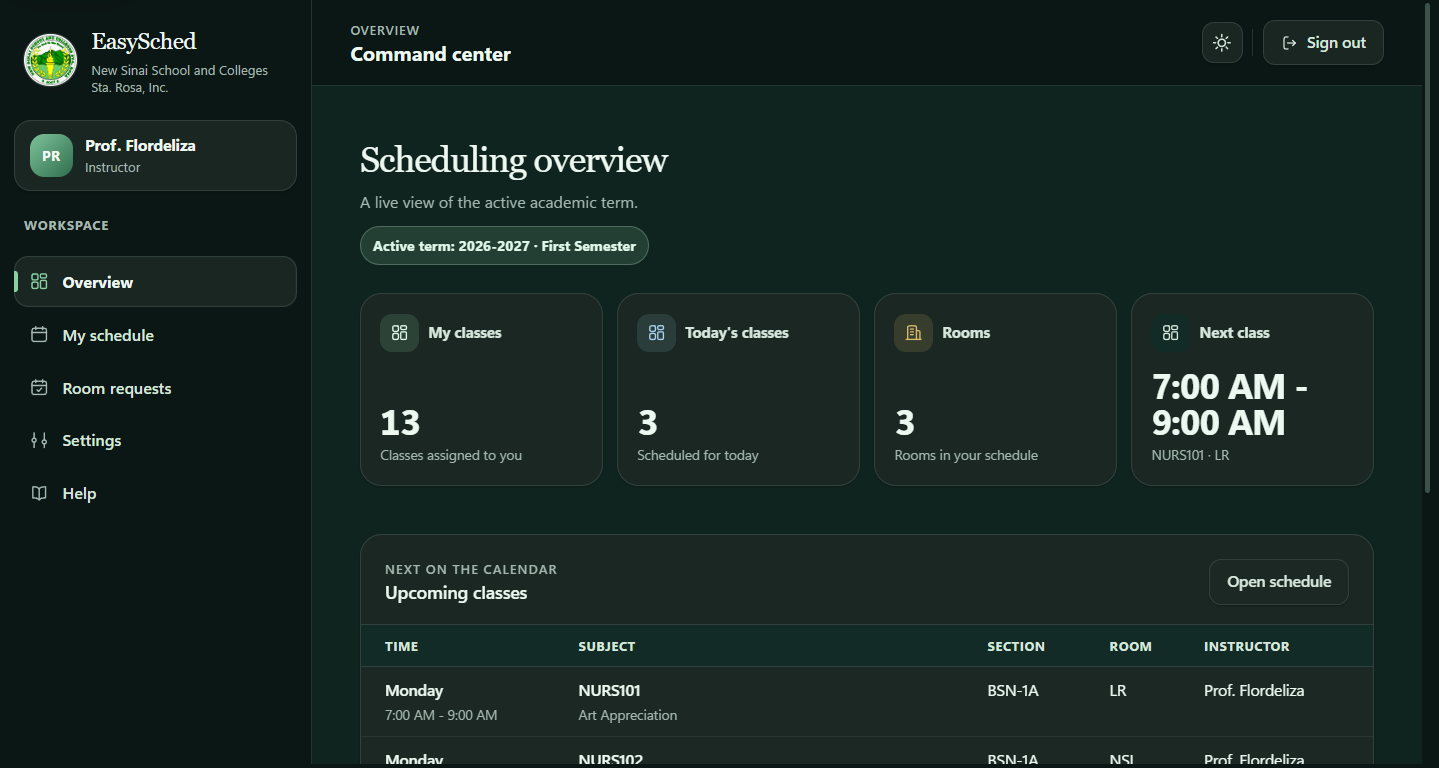
Manage classes, rooms, and academic resources — all in one place.
Next on the calendar
Remaining classes this week
| Time | Subject | Section | Room | Instructor |
|---|
Security monitoring
Append-only application events. Timestamps are shown in Philippine Time (PHT). New activity appears automatically every 5 seconds while this page is open.
| Timestamp (PHT) | Actor | Username | Action | Target | Severity | Outcome | Source IP |
|---|
Day view shows every class in its time slot. Week view groups classes that start at the same time.
Detailed list
| Day | Time | Subject | Section | Instructor | Room | Action |
|---|
Review pending room and schedule requests.
Instructor request
| Class | Room | Date | Day | Time | Status |
|---|
Instructor request
Propose a different weekday, time, or room for one of your published classes. An administrator must approve the change before your timetable is updated.
| Class | Proposed room | Weekday | Time | Status |
|---|
Instructor requests
| Request | Instructor | Class | Current schedule | Proposed room | Date / weekday | Time | Note | Action |
|---|
Manage subject names and course codes, plus the resources used by the scheduler.
Subject & course management
Transfer assignments
On the updated local app, download a fresh active-term assignments CSV. Then open Railway's deployed app and upload that file here. The CSV includes instructor names to match faculty if employee numbers differ. Only missing assignments are added; existing Railway assignments are never changed. Required terms, subjects, sections, and instructors must exist in the destination.
Enrollment review
| Name | Username | Program | Year | Section | Action |
|---|
Summaries to present during review and defense.
Latest generation
Constraint validation
Capacity planning
Account
Review and update your information.
Verify information
Is the information correct? Please make necessary changes if needed.
Term configuration and account security.
Academic period
Account
Manage the email address and password used to access your account.
Current email: Not provided
A short walkthrough for managing EasySched from setup to a published timetable.
Record